DataRaptor
Accesssing DataRaptor List
The Dataraptors can be accessed from:
- The Dataraptors menu under Industries entry point
- The Object Manager: this natively lets you explore the DataRaptors associated with a given object.
- You can also use the Search option and write your own query again the
OmnidataTransformobject
Finding Dependencies
Finding where my Dataraptor is used
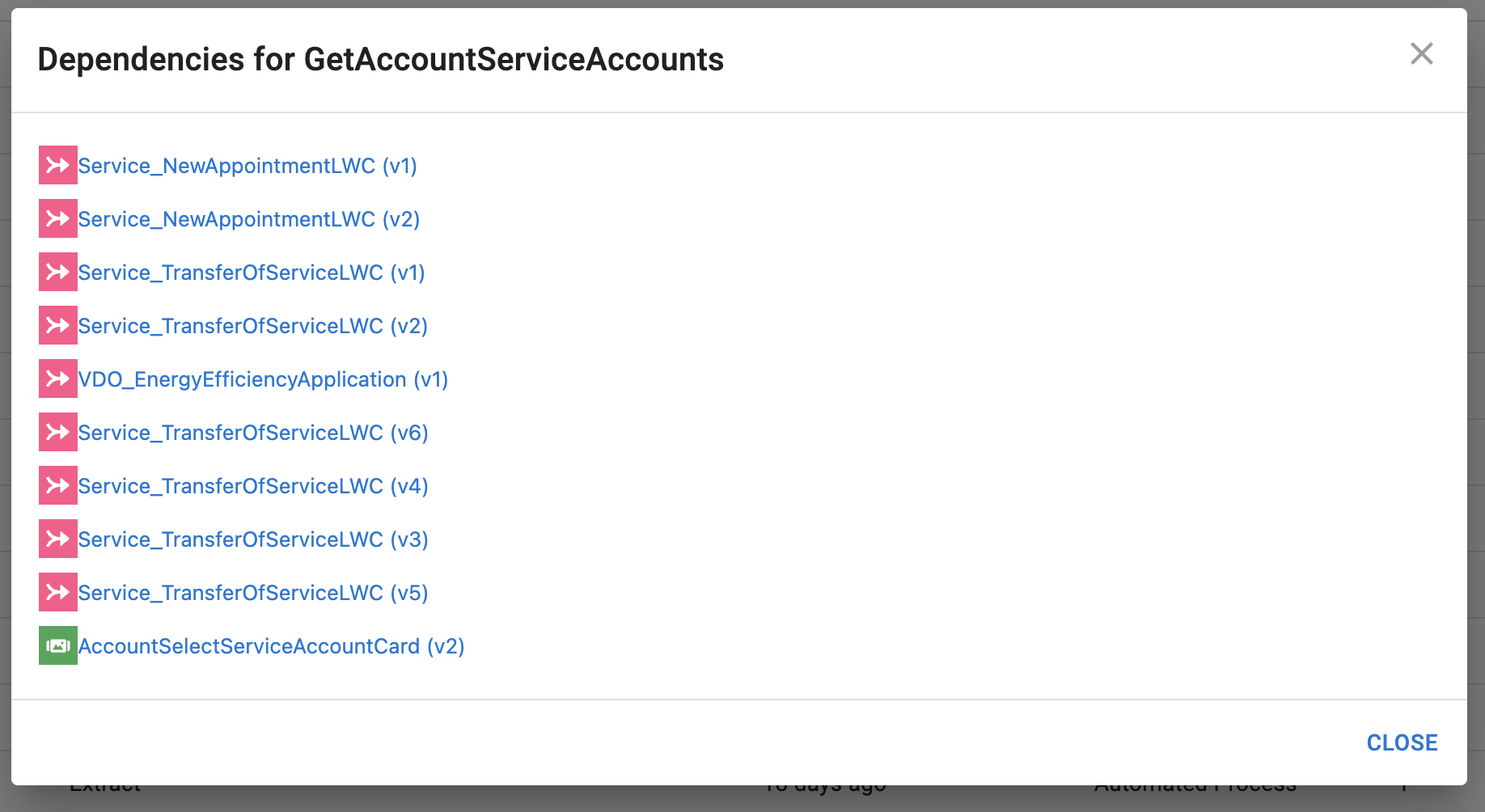
To find the dependencies you can refer to the Used by column. It will brind all Omniscripts/Integration Procedures/flexcards that reference your DataRaptor.
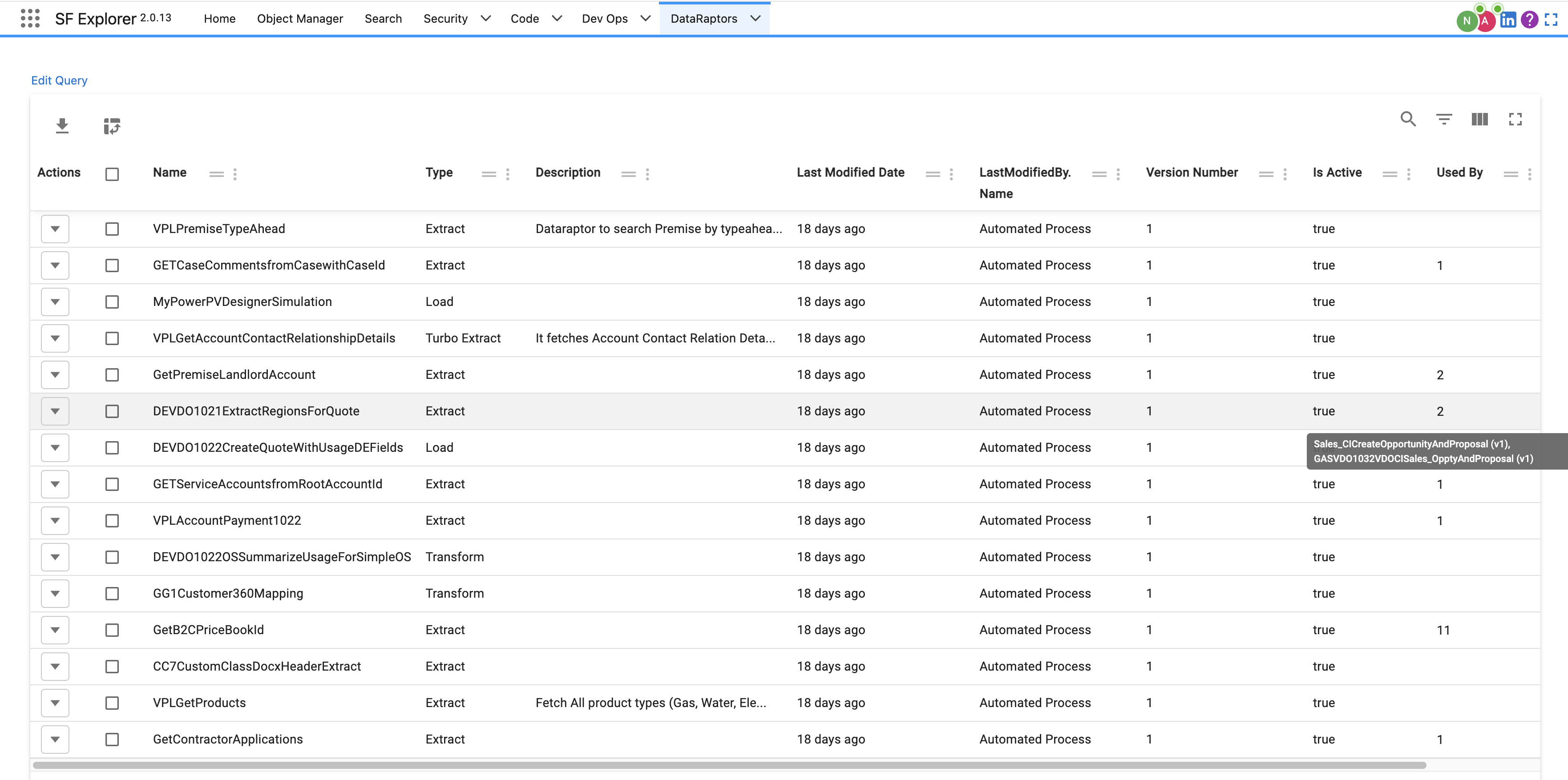 If you click on the number you will be able to navigate to the given dependency:
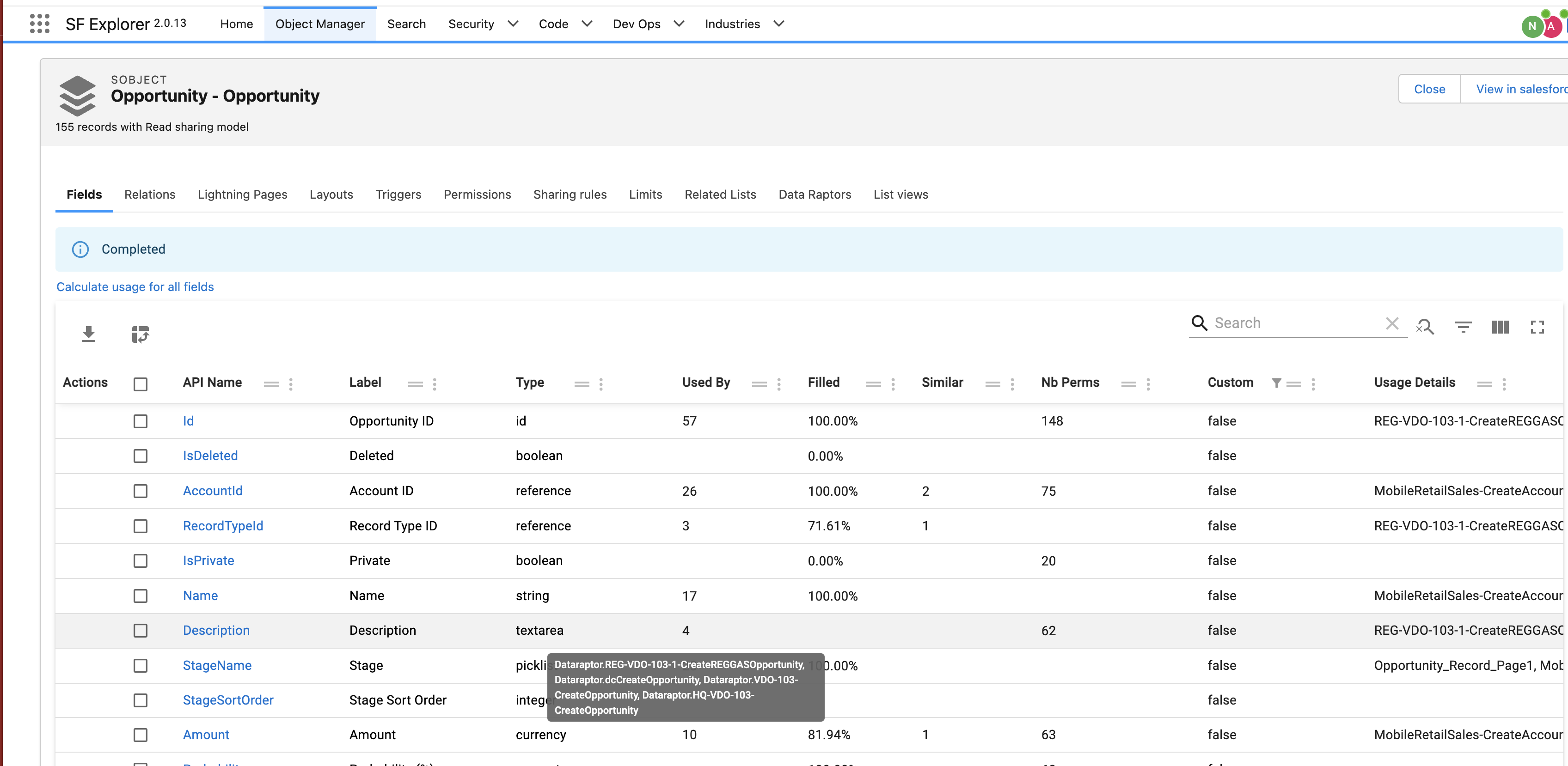
Finding what Dataraptor access/modify a given field
From the Object Manager if you click on Calculate usage for all fields you will be able to find dataraptor dependencies at field level.
Comparing DataRaptors
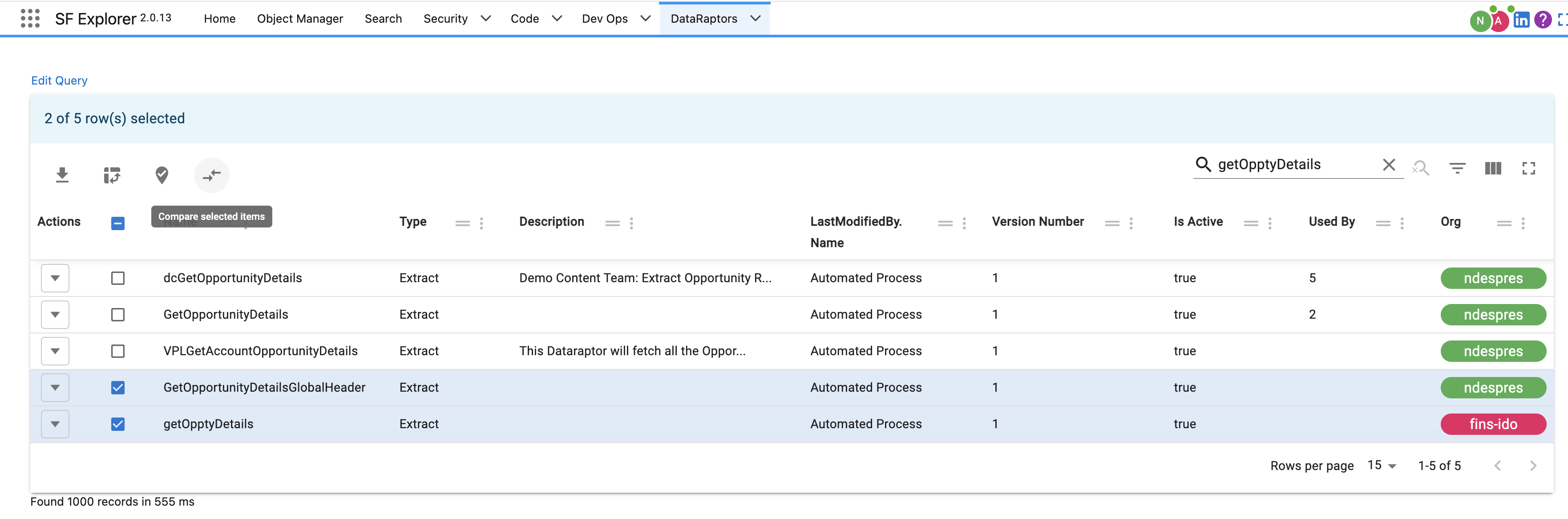
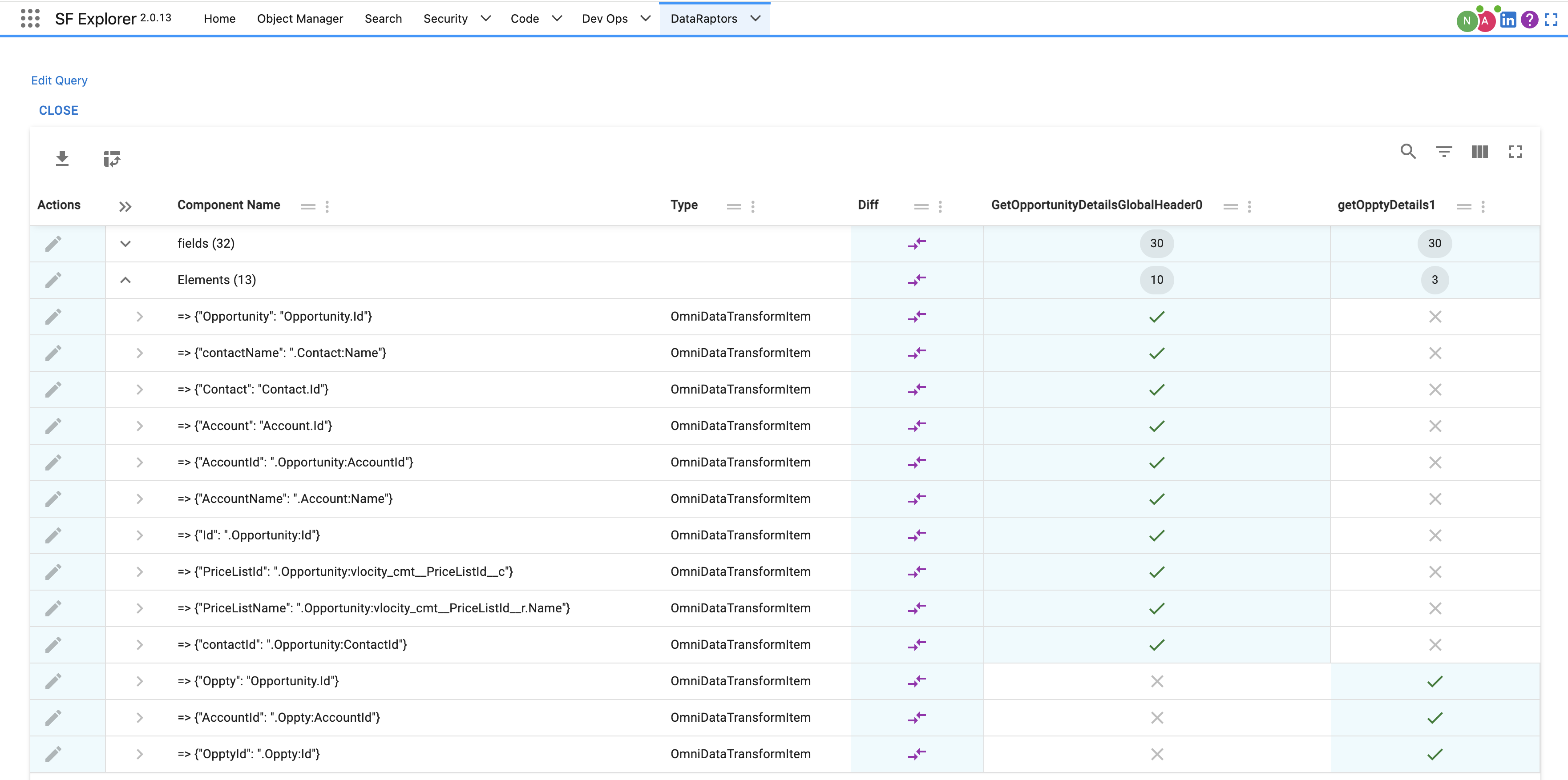
Select multiple Dataraptors and click on Compare Selected Items
You can leave comments on each row that will be saved in your browser.
info
Any record can be compared this way
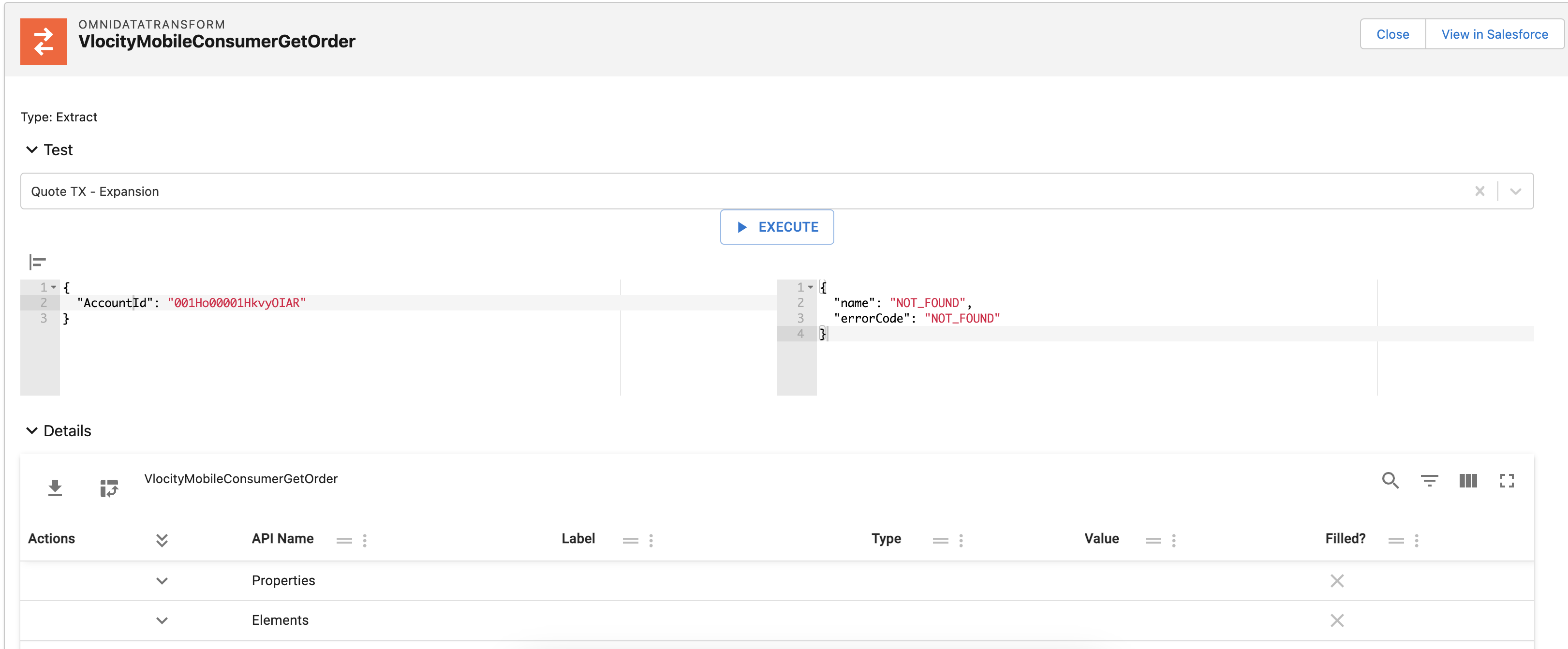
Testing DataRaptors
You can test your Dataraptors from here as well (only on Extract for now)